
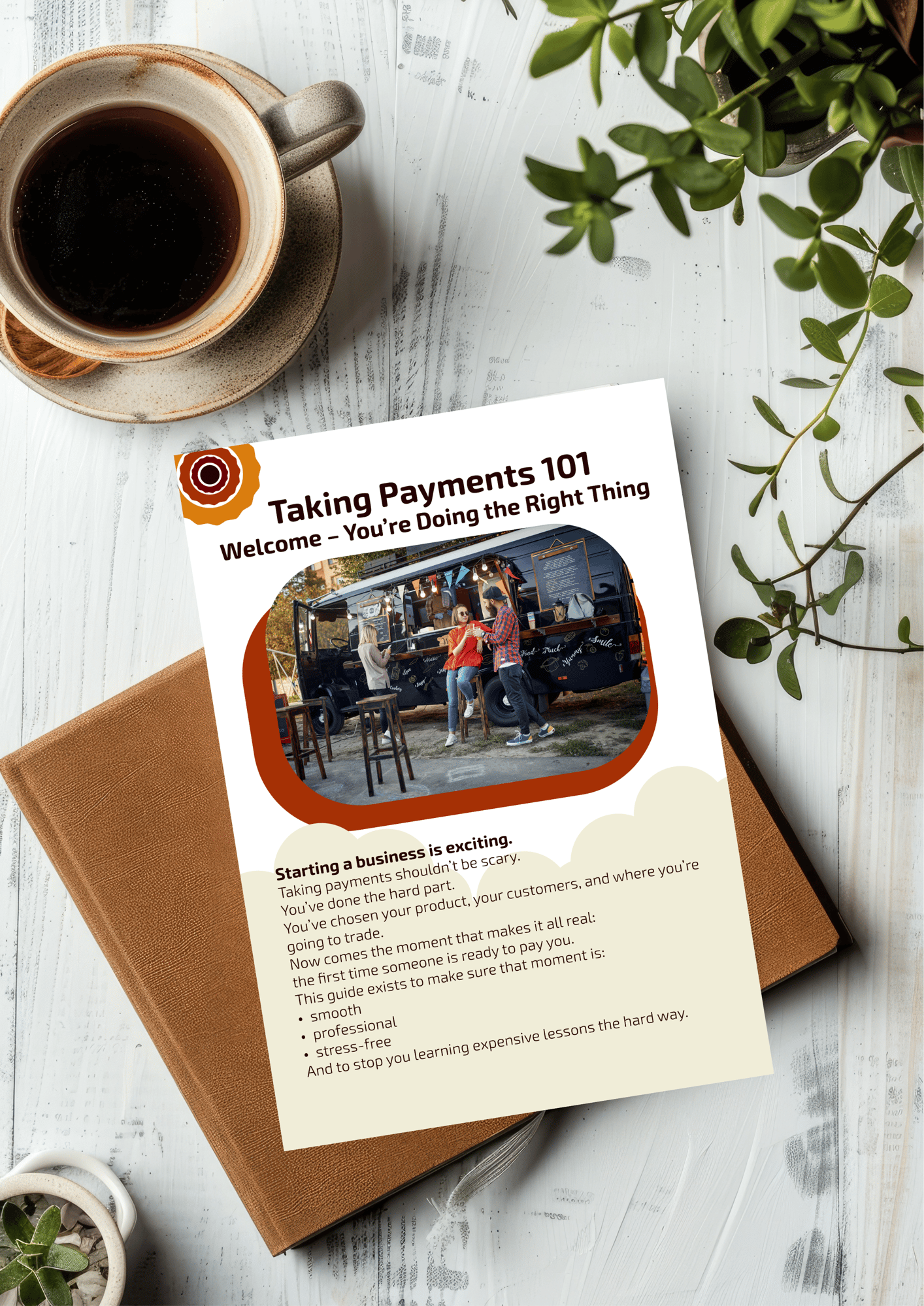
Download Taking Payments 101 and learn how to take card and cash payments in person — without jargon, hidden costs, or nasty surprises at the till.
Taking Payments 101: A Calm, Clear Guide for Your First Trading Days
Built for first-time small business owners getting ready to trade in person.
Starting your business is exciting.
Figuring out payments often isn’t.
When you’re new to trading in person, it’s easy to feel:
- Unsure what hardware you actually need
- Worried about choosing the “wrong” POS system
- Confused by transaction fees, payouts, and contracts
- Overwhelmed by conflicting advice from banks, providers, and other traders
And the first time a customer is waiting to pay, you don’t want to be:
- Fumbling with a new card reader
- Realising you’ve got no change
- Discovering WiFi is down and nothing works
You’ve done the hard part by starting.
This guide exists to make the “how do I take payments?” bit feel simple and under control.
What This Guide Helps You Do
This guide is designed to help you:
- Understand, in plain English, how taking payments actually works
- Decide what you really need for cash vs card without overbuying
- Spot common “beginner traps” before you sign a contract or buy hardware
- Choose a POS setup that feels professional from day one
- Start trading with less fear of something going wrong at the till
It’s here to reduce stress and prevent early, expensive mistakes — not pressure you into a decision.
What’s Inside the Guide
%20(1).jpeg?width=1920&height=1080&name=Busy%20food%20truck%20queue%20(1)%20(1).jpeg "Espresso")
A welcome that meets you where you are
Why feeling nervous about payments is normal — and what you can safely stop worrying about.
What “taking payments” really means
A simple breakdown of the three parts: how customers pay, what hardware you use, and what software connects it all.
Cash vs card: how it actually works
The real-world pros and cons nobody tells beginners: floats, bank charges, hardware costs, transaction fees, and payout timings.
The hidden traps new businesses fall into
Free systems that get expensive, contracts signed too early, and hardware that’s impossible to replace.
What a beginner-friendly POS should do
A checklist you can use to sanity-check any POS: offline, no per-terminal surprises, quick payouts, and easy to learn.
How POSable covers you without pressure
How offline mode, Android tablets, flat pricing, and simple payouts support new traders from day one.
Clear, friendly, and written for people who haven’t done this before.
Who This Is For
This guide is for you if you:
- Are starting your first in-person small business (market stall, food truck, pop-up, craft, or retail)
- Feel unsure what you actually need to start taking payments
- Want to look professional and organised in front of your first customers
- Are careful with money and don’t want to get locked into the wrong system
If you’d like someone to walk you through payments step by step — without making you feel silly for asking basic questions — this was written for you.
Why POSable Created This
POSable was built by people who remember exactly how it feels to take those first payments:
- Will the card machine work?
- Do I have enough change?
- What happens if the WiFi drops?
We designed POSable to be:
- Offline-ready – so you can keep trading even if the connection isn’t perfect
- Flat-priced – no per-terminal surprises as you grow
- Android-based – use affordable, replaceable tablets instead of expensive, locked-in hardware
- Beginner-friendly – simple to set up, learn, and fix
This guide reflects the same promise:
we’ve got you covered while you get confident.
Ready to feel calmer about taking payments?
Download Taking Payments 101 and get a clear, step-by-step view of what you need (and what you don’t) before your first customer reaches the till.